Hi all,
I recently purchased the new Minibook X U300 variant from the CHUWI Official Store on AliExpress.
Everything seemed fine out of the box, but I seem to have a lot of errors when restarting from OS with or without updates. Using the restart option in windows just brings me to the Chuwi bootloader and stays there forever, using the update and restart button always seems to fail and bring up the windows “ran into a problem” screen with inaccessible_boot_device (0x78).
I’ve also tried Linux with similar results, most boots or reboot will result in failure to see the boot device and get disk not found errors, it seems to be a lot worse than Windows.
I need to do a full power down and power on to be able to boot properly, it makes completing any kind of updates very difficult.
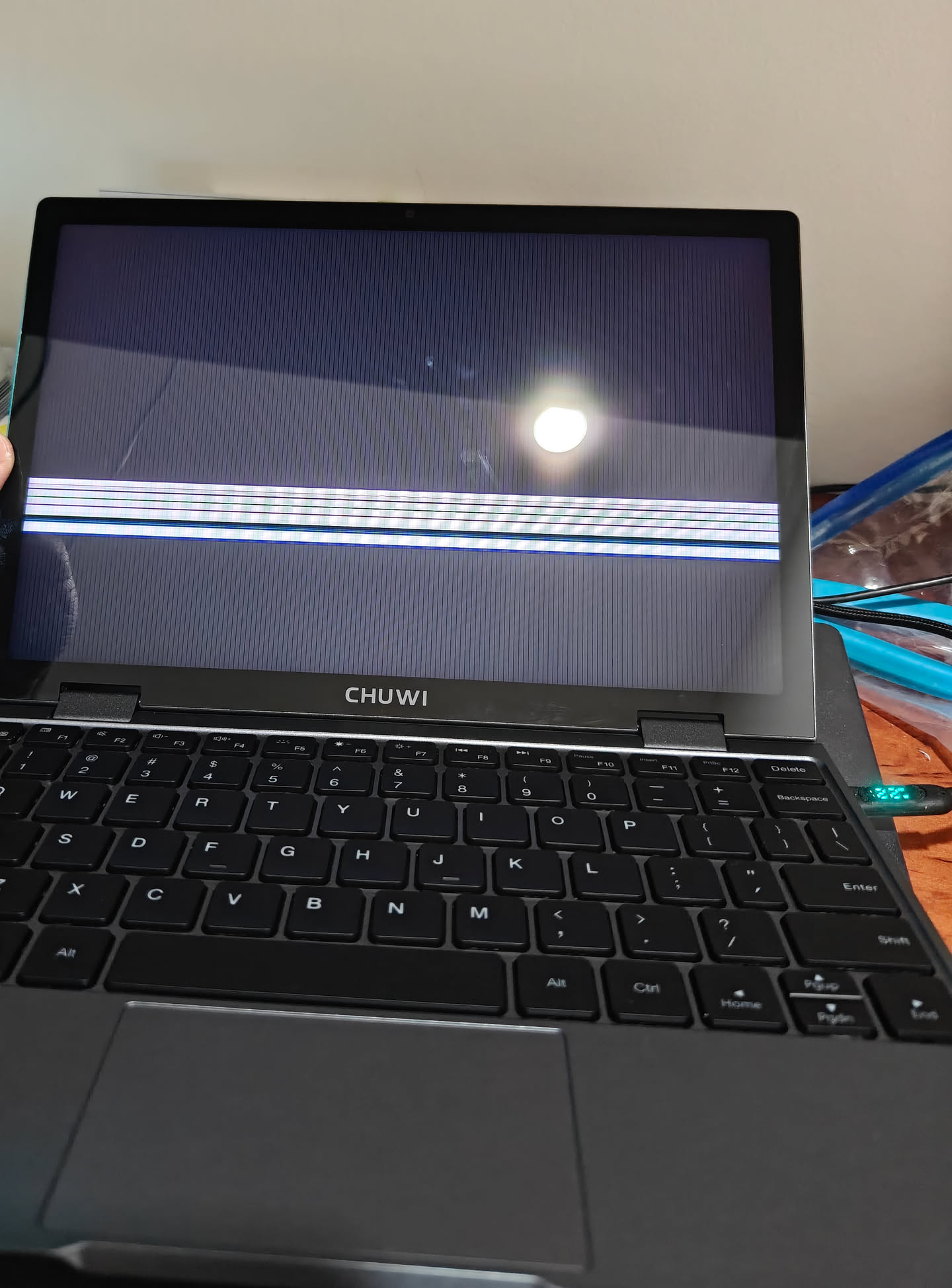
I also get a lot of issues on Linux with the screen being garbled and flipped, but from what I’ve read this seems to be the usual case for a lot of people.
Has anyone experienced these issues, it makes using the device quite difficult.
Can the Minibook boot from a USB device into Linux? If so, is the disk visible?
If a command prompt is reachable try $ sudo lsblk to see disks. The system disk should start with /dev/nvme.
I’ve noticed the Insyde BIOS that Chuwi typically uses struggles with more than one boot record.
From Linux, the boot records can be checked with $ sudo efibootmgr I had to erase all the boot records on my Minibook X N100 and then create one for Linux. Your mileage may vary. For boot record creation help I recommend using Google AI to work through the problem by showing it pictures of the issue as boot records can get sticky, so I can’t give a one-size-fits-all command.
1 Like
Ahh good idea I’ll have a look. Chuwi also sent me some BIOS config to optimise NVME loading so I’ll configure as they’ve said. They provided these steps for reference:
Reinsert the SSD: Remove the back cover, unplug the M.2 SSD, clean the gold contacts with an eraser, and tighten the screws again.
Optimize BIOS Settings Enter the BIOS (press F2 or Delete at startup): Disable Fast Boot: On the Boot tab, set Fast Boot to Disabled Reset BIOS to default settings: On the Save & Exit tab, select Load Optimized Defaults, save, and reboot. Disable PCIe/NVMe deep power-saving mode (if available in the BIOS): Check the PCIe Storage Dev Slp or ASPM settings under the Advanced tab and set them to Disabled.
Repair and Optimize the Linux System If you plan to continue using the Linux system: Fix screen distortion (kernel parameter settings): In the GRUB boot entry (press e to edit boot parameters), add the following parameter to the end of the line linux /boot/vmlinuz...: Plaintext i915.enable_psr=0 (Disabling screen auto-refresh resolves most graphics glitches and screen flickering issues on Intel Alder Lake-N / U300 devices)
Resolving NVMe Drive Disconnection (Disabling APST Power-Saving Mode): Add the following to the GRUB parameters: Plaintext nvme_core.default_ps_max_latency_us=0 (This parameter prevents the NVMe drive from entering deep sleep, effectively resolving the issue of drive disconnection caused by soft reboots of the controller.)
Upgrade the Linux kernel: It is strongly recommended to use a Linux distribution with kernel version 6.6 or higher (6.8+ recommended), such as the latest Ubuntu 24.04 LTS or Fedora 40+, which provides better support for the U300 integrated graphics and power management.
I can boot to a live environment but it seemed 50/50 that it can initialise the nvme device before entering the live environment, it’s as if it doesn’t have enough time at boot it just will not load a device after the OS loads.
I did get some stability on Windows with restarts and updates after changing boot order and disabling fast boot so might be in a better spot now, will check if Linux works better now.
This is exactly the problem I had when I discovered there were too many UEFI boot records via $ sudo efibootmgr, once I cleared out all the extra entries and only had one entry for the OS I was using, the system began to boot reliably again. I noticed that when I was tinkering with Secure Boot in Linux that even adding a second record for a Secure Boot path was breaking the detection of the drive. I think the Insyde BIOS struggles with mutliple boot options. Even attempting to re-order the boot options failed to properly save.
In case anyone stumbles upon this, I swapped out the drive for a Samsung one I had and I no longer have any boot problems. I suspect the provided 500GB nvme drive controller is a bit touchy and doesn’t work well in the Minibook.
3 Likes